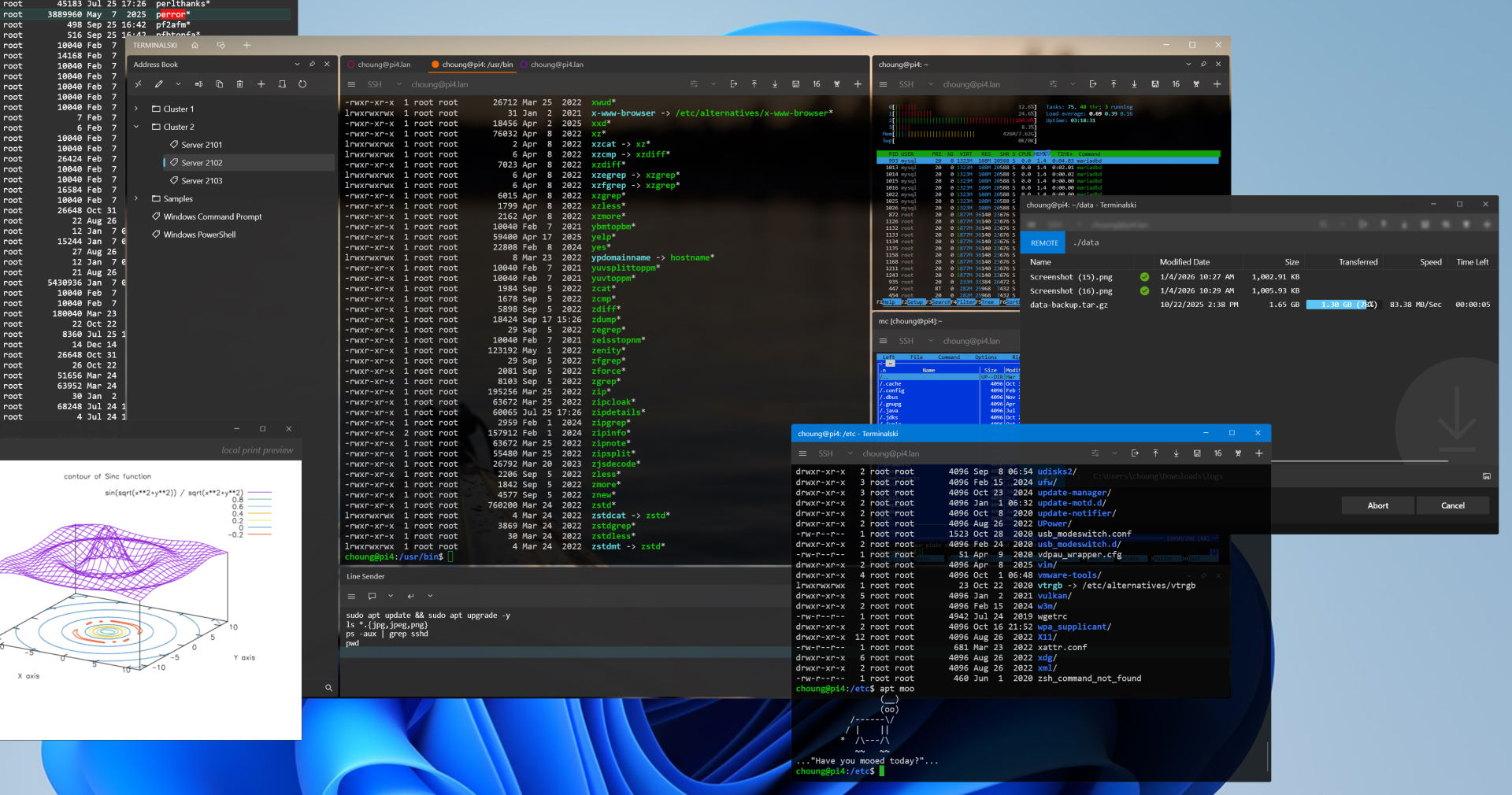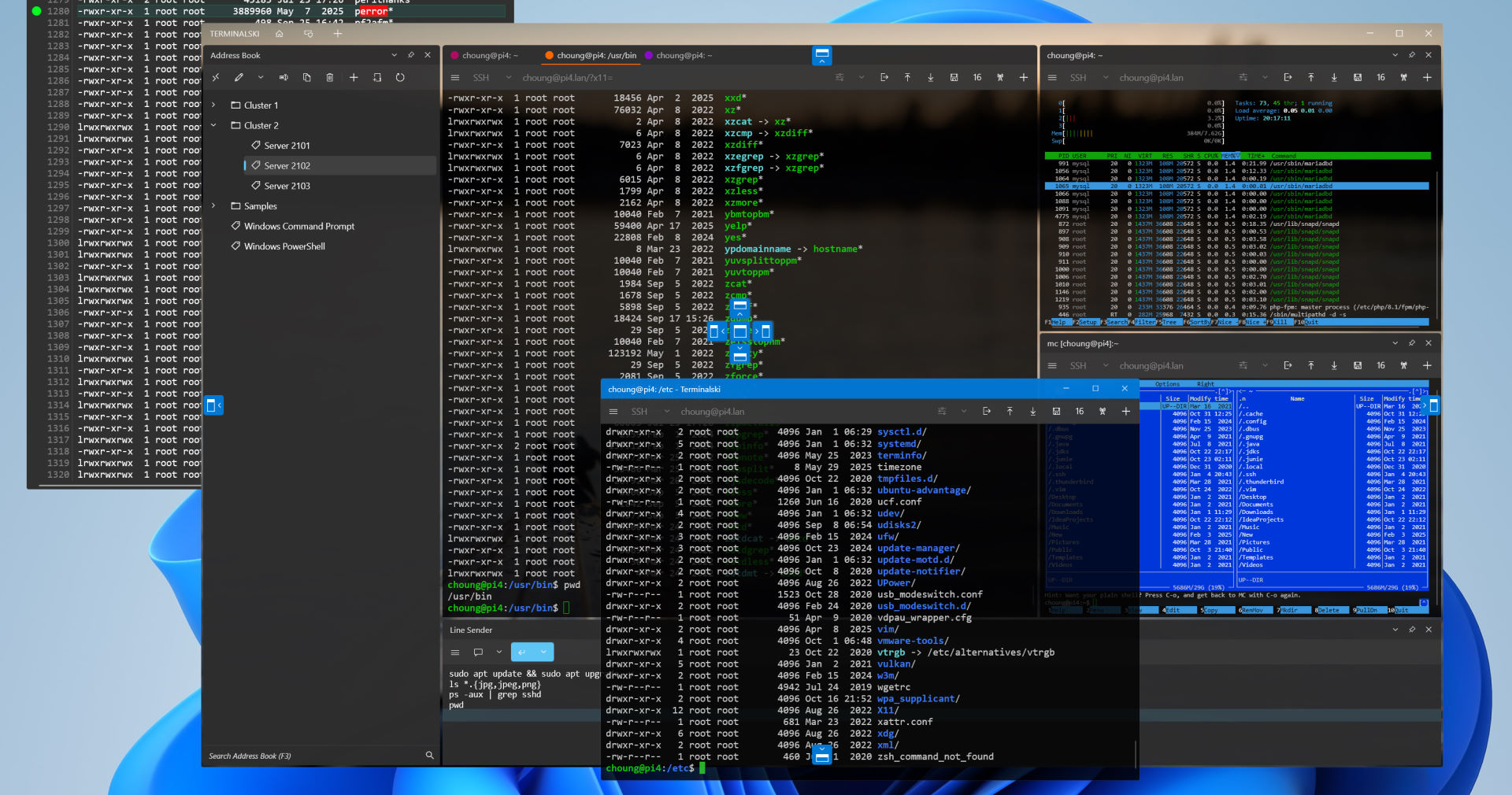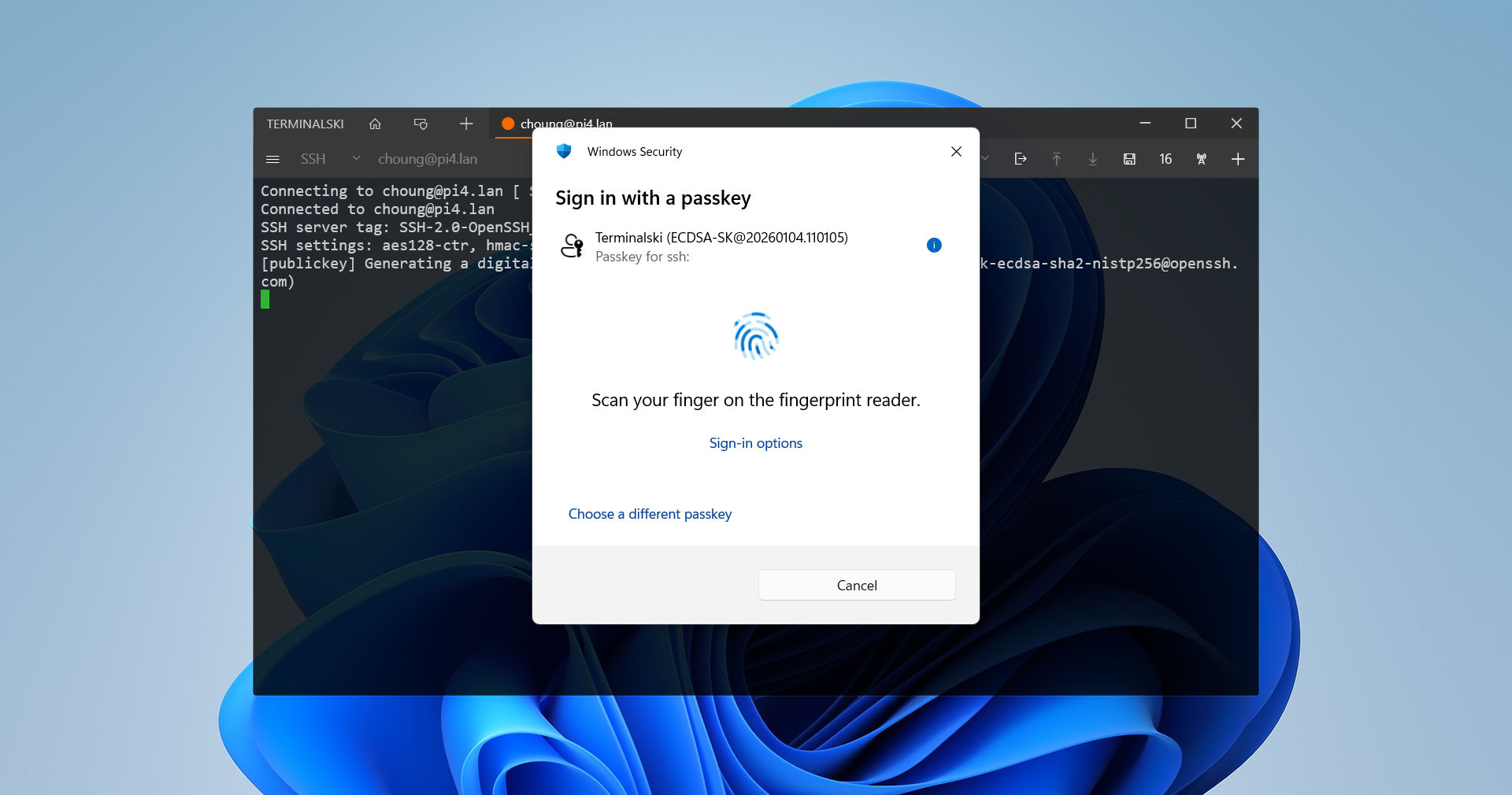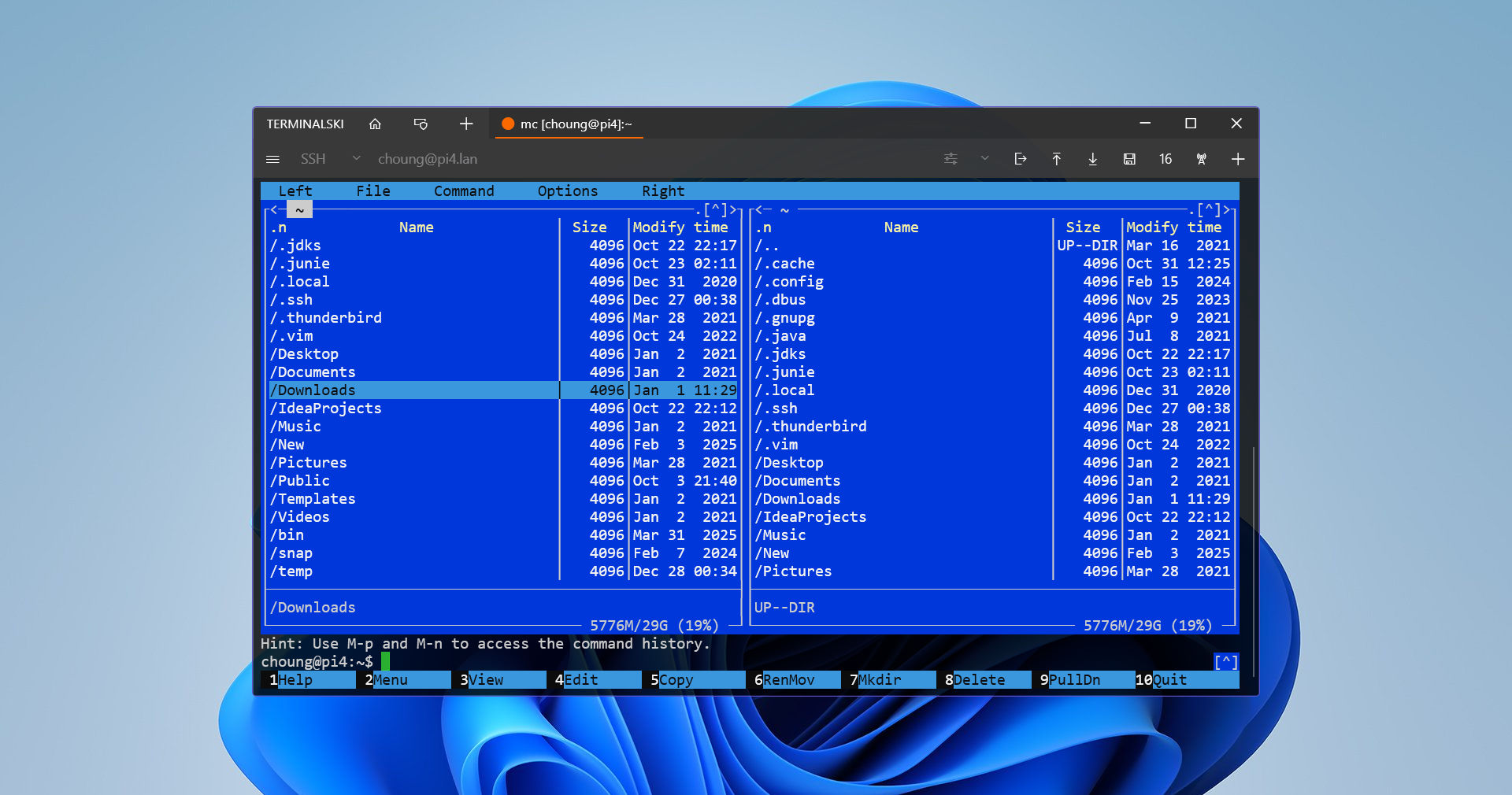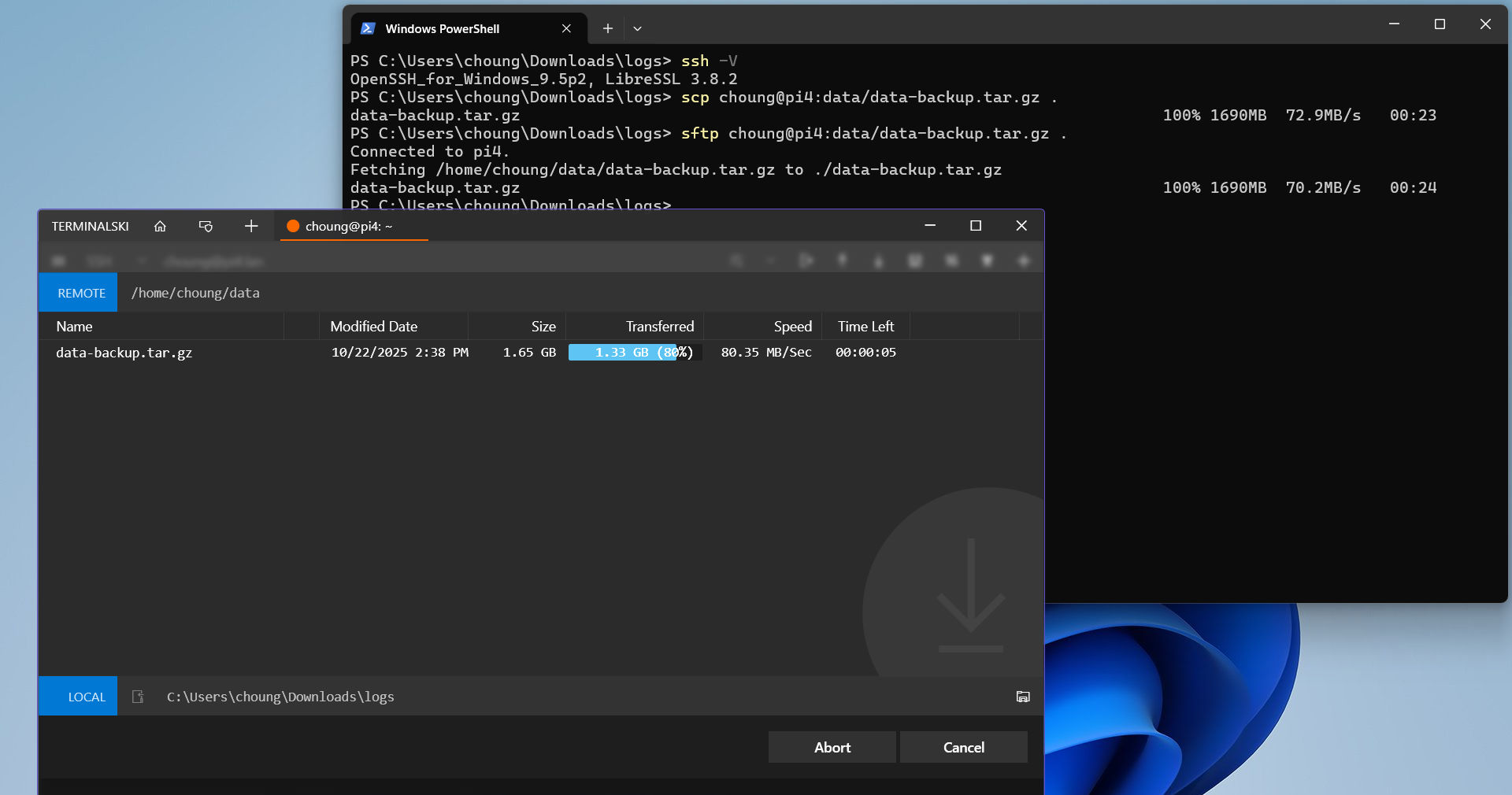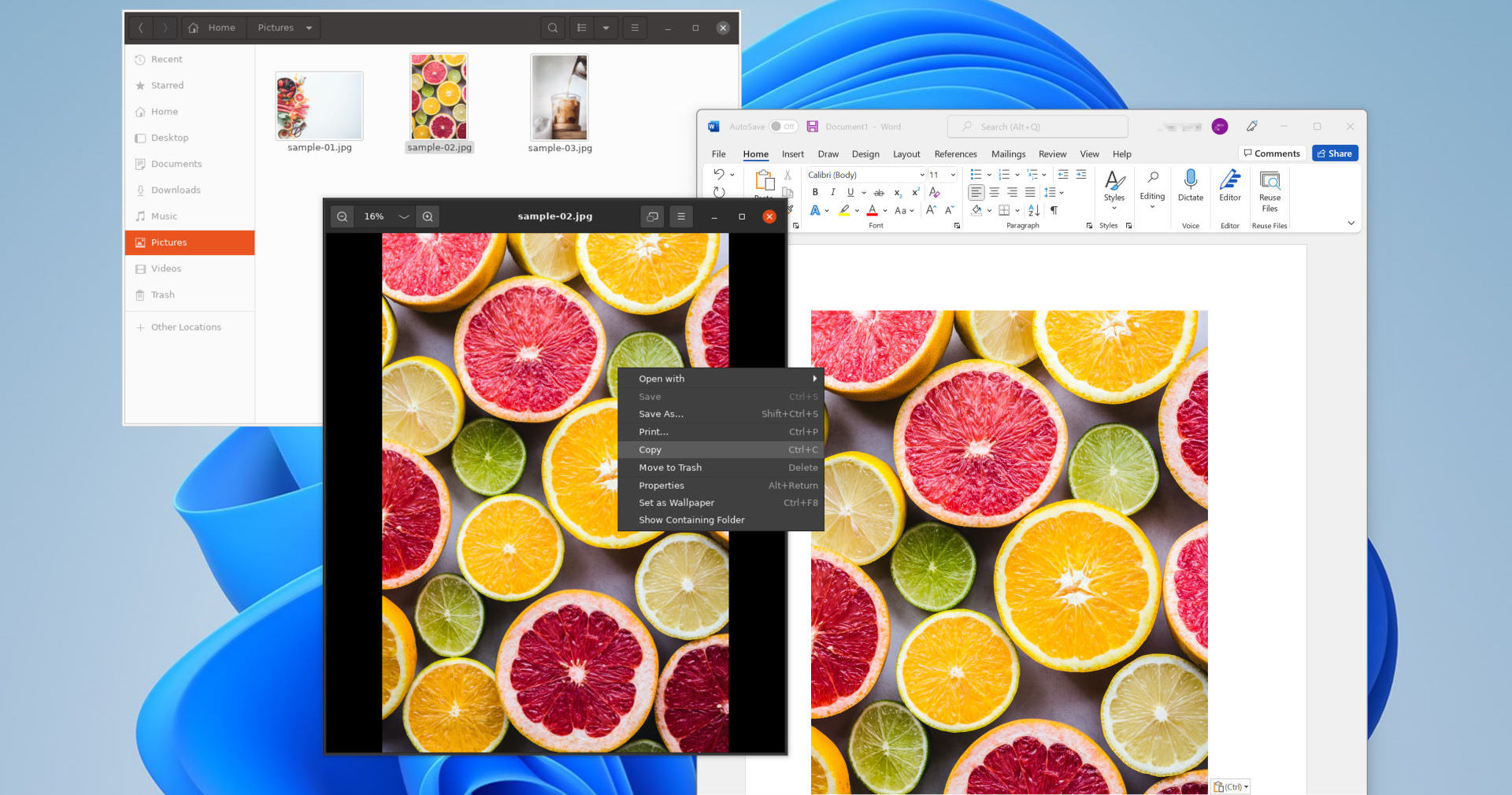

When you need to backup or restore address book entries and settings, or upload private key files for user authentications, simply start the share server and copy files via Windows File Manager.
Token2Shell/WP share server acts like a wireless flash drive, hence you can also copy your own data files or even run desktop programs directly off your Windows Phone.
|
|
Turn your Windows Phone When you activate FileTr2 share server, your Windows Phone becomes a computer with a Windows shared folder. Thus you can access FileTr2 folders and files from any Windows 8/7/Vista/XP File Explorer; you simply need to enter FileTr2 connection address in Windows File Explorer. Once you're connected to FileTr2 from Windows File Explorer, you can use it just like a flash drive; copy or move files, create folders and etc. You can even run desktop programs or play media files directly off FileTr2! |
It begins decoding a barcode only when the phone is held steady. Also, camera auto focusing is triggered only when it detected movements. (If you wish to manually activate camera auto focusing, "half" press the camera shutter button. Full pressing the camera shutter button changes the auto flash mode.)
Your text files can then be later added as PowerPoint slides; PIX2PPT automatically formats the content of a text file as a bulleted list or a section header slide depending on the number of stored text lines.


Please note that our primary development focus now moves to Windows Phone 8 and in order to maintain consistency and minimize confusion, we will be using version number 3.x for Token2Shell/WP for Windows Phone 7.x. For Windows Phone 8 targeted Token2Shell/WP, we will be using 4.x or higher version numbers.
Please note that our primary development focus now moves to Windows Phone 8 and in order to maintain consistency and minimize confusion, we will be using version number 1.x for NemoNote for Windows Phone 7.x. For Windows Phone 8 targeted NemoNote, we will be using 2.x or higher version numbers.
Please note that our primary development focus now moves to Windows Phone 8 and in order to maintain consistency and minimize confusion, we will be using version number 1.x for PixFolder and PIX2PPT for Windows Phone 7.x. For Windows Phone 8 targeted PixFolder and PIX2PPT, we will be using 2.x or higher version numbers.
Token2Shell/WP now better handles character composing keyboards (ex. Chinese/Japanese/Korean QWERTY keyboards) while in single character input mode.
You can now use character code pages such as Shift-JIS, EUC-KR, GB2312 and BIG5 in Token2Shell/WP. (Please note that the actual character code pages supported in Token2Shell/WP may vary depending on the country where the device was purchased. For example, if you purchased your Windows Phone in Europe, it may not support character code pages for Japanese characters.)
In order to properly make use of the character code pages, you should also update your server's locale/language settings. For example, if you wish to use EUC-KR for Korean characters, select EUC-KR from Token2Shell/WP supported character code pages (global default or address book entry option), and you must also need to update your server's locale settings that correspond to EUC-KR. Locale options vary from server OS to server OS. If you're using FreeBSD, additional information is available at http://www.freebsd.org/doc/en_US.ISO8859-1/books/handbook/using-localization.html.
This new feature should be handy if you frequently use 'su' (switch user) command. For example, you can use the new control sequences to change the background color to red when you change your user ID to 'root' for system administrative work. For more information about the new control sequences, click here.
Recent comments
5 weeks 1 day ago
9 weeks 3 days ago
19 weeks 4 days ago
19 weeks 6 days ago
20 weeks 3 days ago
20 weeks 4 days ago
20 weeks 5 days ago
20 weeks 5 days ago
2 years 6 days ago
2 years 2 weeks ago